HTML5 and Semantic Web Design
HTML5 helps define not only how a page looks but also what its content means.
Core concepts
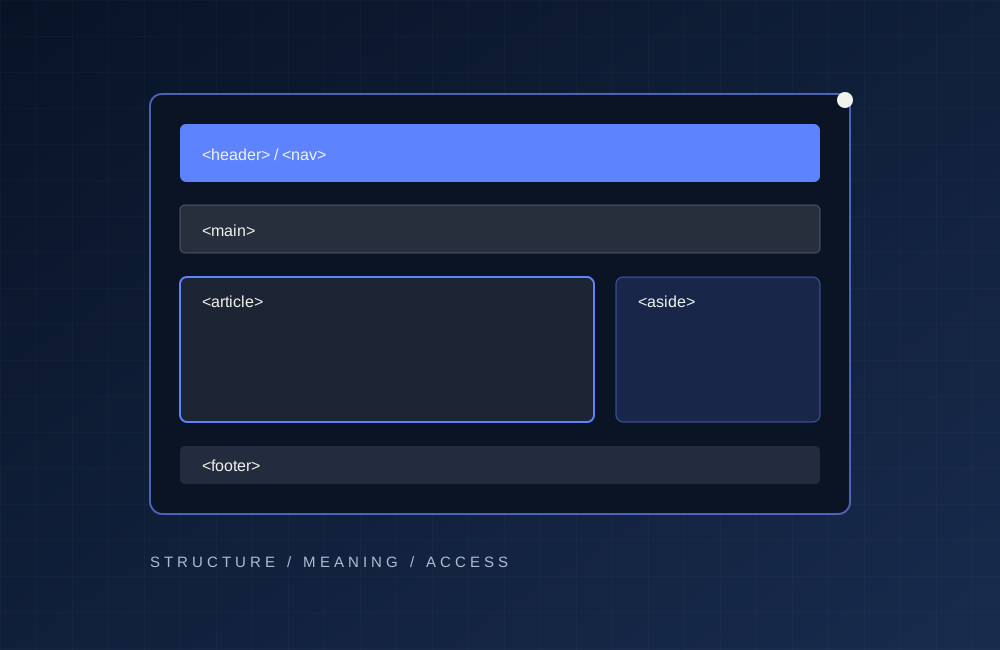
Semantic tags such as header, nav, main, article and footer describe page regions. This makes content easier to interpret for assistive technology and search engines.
Practice and good habits
A good HTML page uses a consistent heading hierarchy. The h1 names the main topic and h2 headings separate major sections. Form labels identify fields, and image alt text describes their purpose.
Conclusion
For example, a portfolio can use nav for the main menu, main for its primary content and article for an independent blog entry. Semantic markup retains meaning even without CSS.
Responsive Design with CSS3
Responsive design aims to keep websites readable and usable across screen sizes.
Core concepts
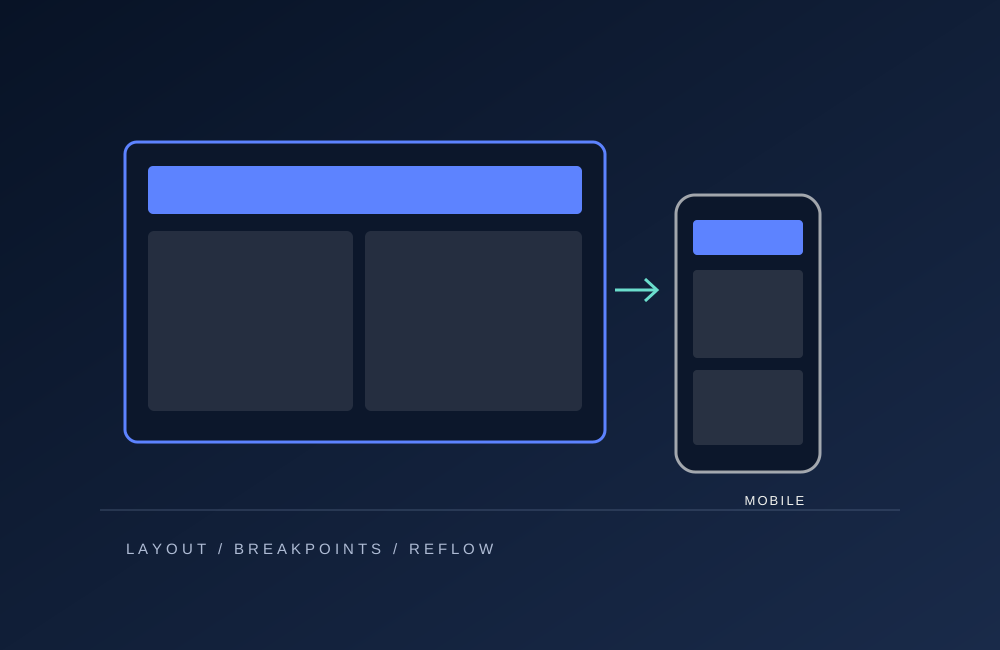
CSS Grid is helpful for multi-column cards, while Flexbox handles navigation and one-dimensional alignment. Media queries can change columns or navigation when the viewport narrows.
Practice and good habits
Flexible measures such as max-width, percentages and clamp reduce overflow. Touch targets should be large enough, and mobile text should not require horizontal scrolling.
Conclusion
In this project, a three-column desktop layout becomes two columns on tablets and one on phones. This is a meaningful reflow of content rather than simply shrinking it.
Artificial Intelligence in Software Development
AI tools can assist with writing code, explaining concepts, debugging and generating tests.
Core concepts
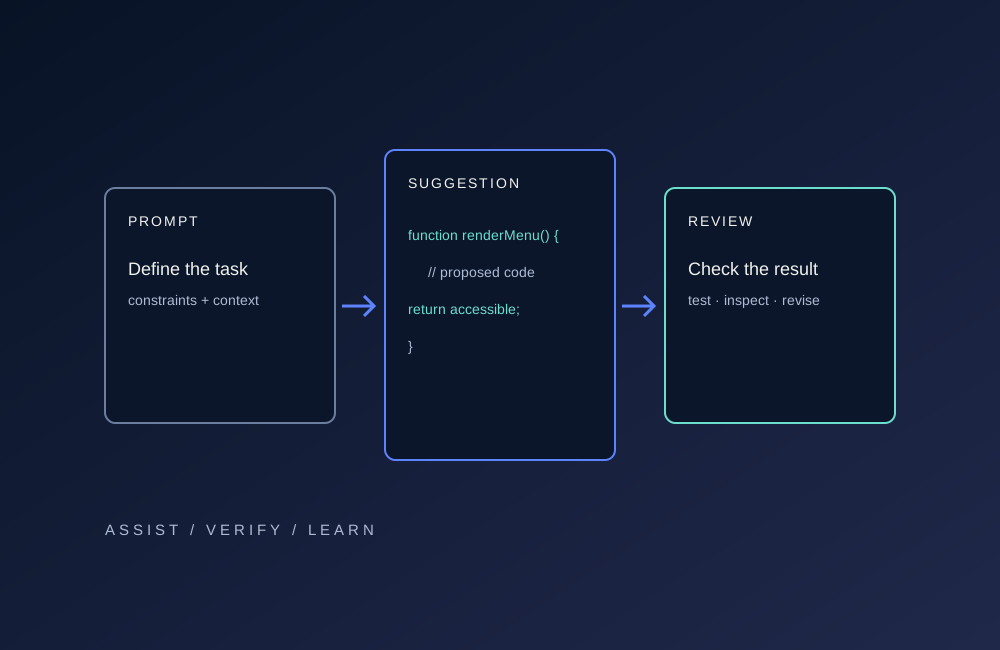
Model-generated code should not be trusted without verification. Developers should review it, inspect dependencies and run automated tests.
Practice and good habits
Clear requirements improve results. Rather than requesting a mobile menu alone, developers should specify keyboard access, viewport behavior and error cases.
Conclusion
AI can improve productivity but does not remove responsibility for correctness. Security, personal information and fabricated claims require careful review.